Focus on creating your best work.
Then automate it.

Automate your Photoshop edits directly from your camera, or from rulesets you build in minutes.

Download Trial

No signup required.

Placeholder image — Batch run
Placeholder image — Ruleset maker
Placeholder image — Before / after
Placeholder image — Camera control
What it does

Automate Photoshop with your camera

FocusBatch reads your camera's settings, light, subject and colour, then applies the right edit to each photo automatically inside Photoshop. Not one preset for everything — the right edit per image.

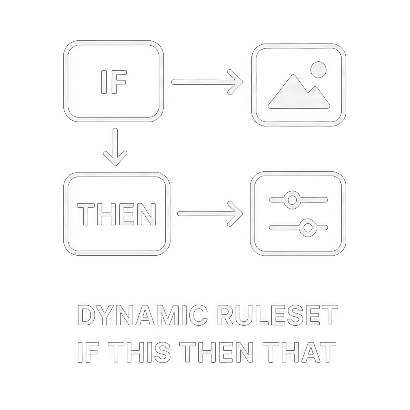
Dynamic ruleset editing

Unlimited batch editing

Customisable rulesets deliver consistent results through straightforward "if this, then that" logic. Identify or configure scenarios — trinity backdrops, headshots, group shots — to trigger actions, presets and external services.

Learn more →
Unlimited batch editing

Unlimited edits per image, per run

Unlimited edits per image at no extra cost — cropping, colour correction, auto straightening, white balance, portrait enhancements, composites and more. Combine them as layers to get the best from each.

Learn more →
Capture to upload in 20 seconds

Capture → multiple edits → upload in 20 seconds

Receive and edit files via FTP in real time, transcribe voice memos to trigger rulesets, and convert .hif files for Photoshop. My tests show 20 seconds from capture to uploading four edited 13MP images.

Learn more →
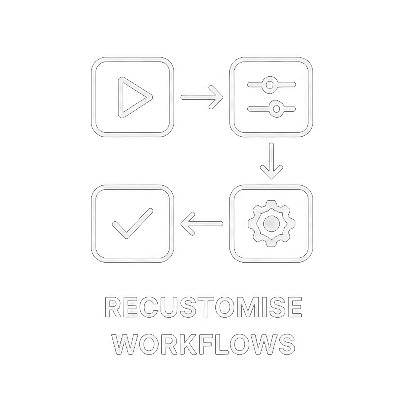
Re-customise workflows

No AI training. Re-customise in minutes

Reprogram rulesets to build any workflow or variation yourself — no programmer, no software changes, no 1,500 images to train a model. Most rulesets take five to twenty minutes.

Learn more →
Custom triggers and functions

Use your actions and presets, build triggers

Create custom actions and triggers for tasks like file renaming and uploading. 42 triggers cover metadata, colours, histogram ranges, subject area in square metres, ratings and voice memo information.

Learn more →
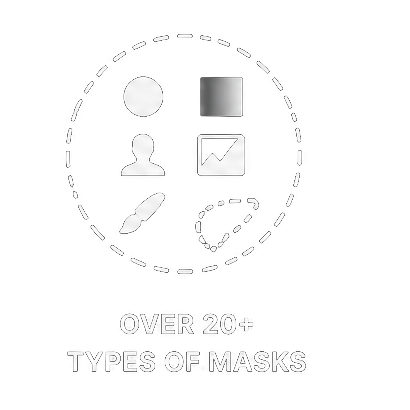
Over 20 types of masks

20+ types of masks

Make masks unlike other AI editing software, for selective and global edits: subject, sky, background, green vegetation, eye sockets, left jawline, blue clothes, red in sky.

Learn more →
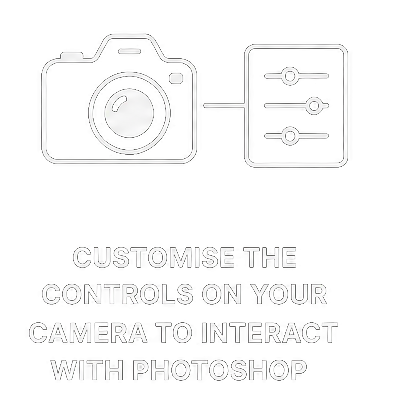
Camera control over editing

Direct editing from your camera controls

Use your camera's controls to direct editing — place a selection with the WB shift grid, then voice a prompt for generative fill. Metering mode signals a lighting setup; the rate button signals a crop.

Learn more →
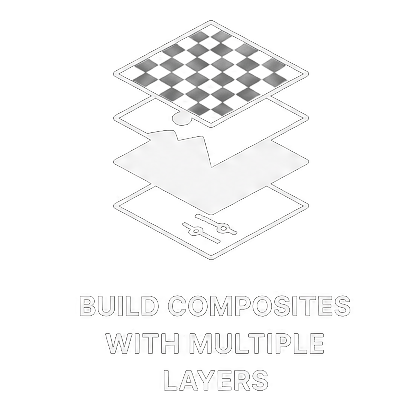
Build composites with multiple layers n

Composites, photobooks and a batch log

Improve Adobe's ACR Auto, read the batch log to refine rulesets, and build complex composites — light composites, focus stacking, photo-stitching, family and team portraits, and photobooks.

Learn more →
Pricing

Simple pricing. Cancel anytime.

Start free with no signup. Move to a paid plan when FocusBatch is saving you real time. Final details to be confirmed.

Free Trial
$0
Try the full tool, no signup required.
  • Complete ruleset maker
  • Core triggers and actions
  • Community library access
  • No card, no account
Download trial
Pro
€20 / month
For working photographers editing at volume.
  • Everything in Community
  • Priority support across Photoshop updates
  • Composites, focus stacking, photobooks
  • Genre-specific ruleset packs
  • Help building custom rulesets
Go Pro

Requires Adobe Photoshop. Annual billing available — two months free.

Sample uses

Built for real shooting

A few of the jobs photographers hand to FocusBatch and walk away from.

Video / GIF placeholder

Change the background and match the light

One ruleset swaps the backdrop and relights the subject to match, run across a whole shoot instead of frame by frame.

Video / GIF placeholder

Your presets, plus multiple crops

Apply your own presets and generate several crops of every key image, each matched to how the shot was framed.

Video / GIF placeholder

Voice-prompt generative fill

Tag a shot with a voice memo and let generative fill act on it — a light stand removed, flowers added — hands-free from behind the camera.

Video / GIF placeholder

Overnight event backlog

Point FocusBatch at thousands of frames and let it run. By the time you're home, the edits and uploads are done.

Video / GIF placeholder

Studio setups by camera control

Signal a lighting or backdrop change with a metering mode, and the matching correction runs without touching a computer.

Video / GIF placeholder

Focus-stacked macro and composites

Stack focus-bracketed macro sequences, build light composites and stitch team portraits, routed automatically from how each frame was shot.

Stop editing one photo at a time

Give FocusBatch a folder of a thousand frames and get your evenings back.

Download Trial — no signup

FocusBatch help assistant lightbox

FocusBatch help
Describe your setup and ask any question
Camera
Connection
Your setup
Workflow
Your question